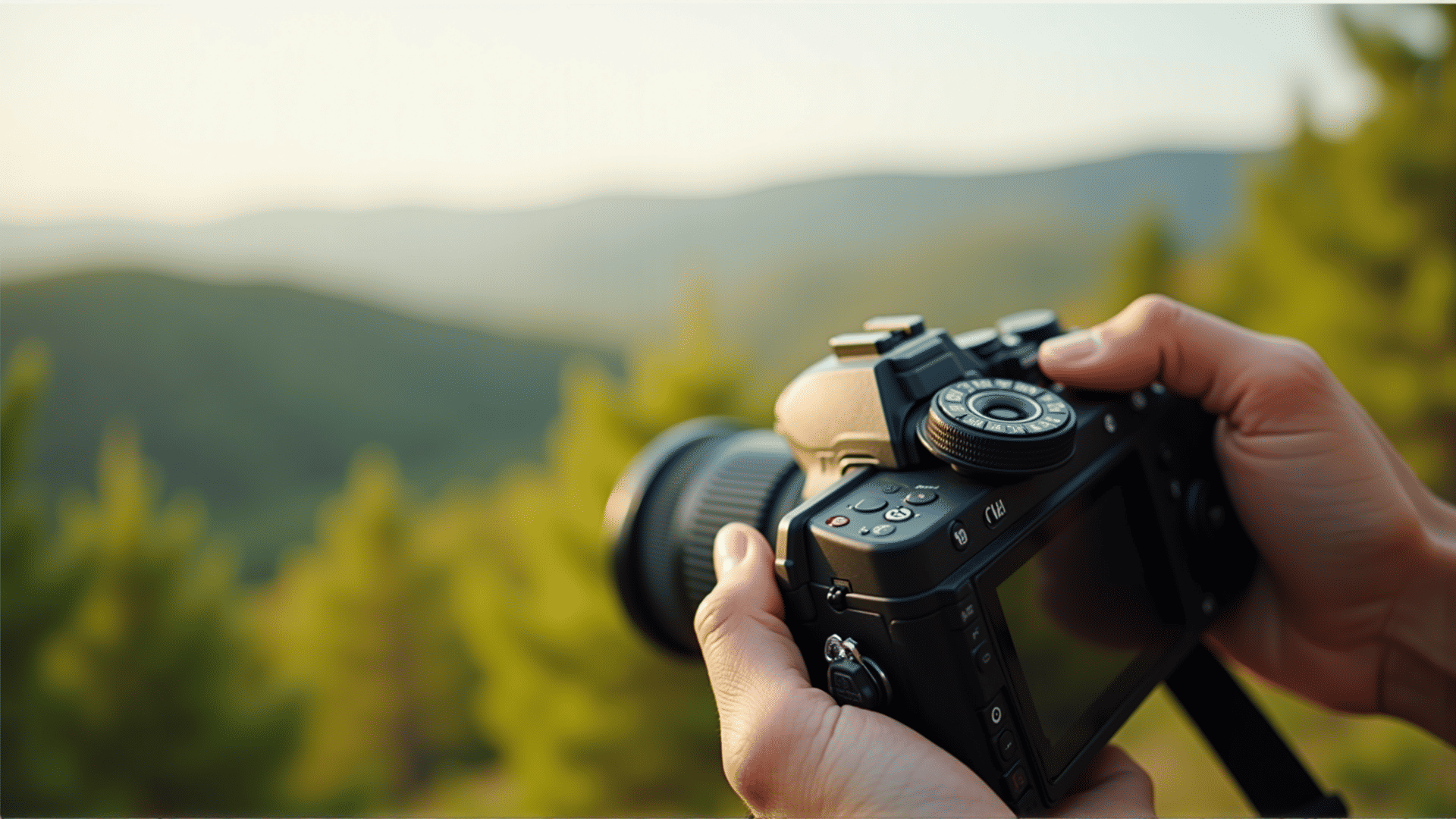
Unlocking the full potential of your camera involves more than just pointing and shooting. Understanding and mastering the settings on your camera can lead to stunning photographs that capture the essence of the moment. Let's dive into the essential settings that can elevate your photography skills.
Understanding Aperture
Aperture refers to the size of the opening in the lens through which light enters the camera. It is measured in f-stops, such as f/1.8, f/2.8, or f/16. A lower f-stop number means a larger aperture, allowing more light to reach the sensor, which is ideal for low-light situations or when you want to achieve a shallow depth of field. On the other hand, a higher f-stop number results in a smaller aperture, perfect for landscapes where you desire more of the scene to be in focus.
Shutter Speed for Motion Control
Shutter speed determines how long the camera’s sensor is exposed to light. It is measured in seconds or fractions of a second, like 1/500 or 1/30. A fast shutter speed, such as 1/1000, can freeze fast-moving subjects, making it ideal for sports or wildlife photography. A slow shutter speed, like 1/8, allows for creative effects such as motion blur, which is useful in capturing the flow of waterfalls or light trails in night photography.
Mastering ISO
ISO measures the sensitivity of the camera’s sensor to light. A lower ISO value, such as 100 or 200, is best used in bright lighting conditions to ensure high image quality with minimal noise. Higher ISO settings, like 1600 or 3200, allow you to capture images in darker environments, but they may introduce noise. Balancing ISO with other settings is crucial for achieving the desired image quality.
White Balance for Accurate Colors
White balance settings help in managing the color temperature of your photos. Depending on the lighting conditions, your camera can adjust the colors to look more natural. For example, under tungsten lighting, selecting the correct white balance setting can compensate for the yellowish tint, ensuring the colors appear more balanced and true to life.
Focusing Modes
Modern cameras offer several focusing modes that cater to different shooting styles. Single-point autofocus is great for still subjects, while continuous autofocus helps in tracking moving subjects. Many cameras also feature face detection or eye autofocus, which are useful for portrait photography to ensure sharp focus on subjects.
Experimenting with Manual Mode
While automatic settings can deliver decent results, experimenting with manual mode allows you to have complete control over your compositions. Manual mode encourages you to adjust aperture, shutter speed, and ISO independently, providing a deeper understanding of how these elements interact to create an image.
Utilizing Exposure Compensation
Exposure compensation is a handy tool when you wish to brighten or darken a photo without altering other settings. This adjustment is particularly useful in tricky lighting situations where the camera’s meter might not accurately reflect the scene’s brightness levels.
The Role of Filters
Using filters can enhance your photographs by controlling light and adding creative effects. Polarizing filters reduce reflections and enhance color saturation, whereas neutral density filters allow for longer exposures in bright settings, facilitating the capture of motion blur even in daylight.
Embracing Creative Modes
Many cameras come with built-in creative shooting modes such as portrait, landscape, or night scene, which optimize settings for specific conditions. Engaging with these modes can provide inspiration and insights into how various settings affect the final image.
By mastering your camera settings, you open up a world of creative possibilities. Experiment with different combinations, practice regularly, and soon you'll be able to capture images with remarkable clarity, vibrancy, and detail, no matter the situation. Happy shooting!